
CRM with Text Messaging: How to Add Texting to Salesforce
Sales teams use their CRM to manage leads, opportunities and customer relationships. Your reps may already be contacting prospects and customers via email and phone calls, but that’s not enough.
Text messaging is an ideal way to reach prospects quickly, and have more convenient conversations with them, but if communication happens outside of your CRM, visibility of conversations is lost, time is spent switching between tools and interactions become hard to track.
For Salesforce users, adding SMS and WhatsApp messaging functionality allows your sales teams to communicate with leads and customers in a preferred channel, while keeping all communications connected to your CRM.
Explore what CRM text messaging is, why sales teams use it and how to add SMS and WhatsApp messaging to Salesforce.
What Is a CRM With Text Messaging?
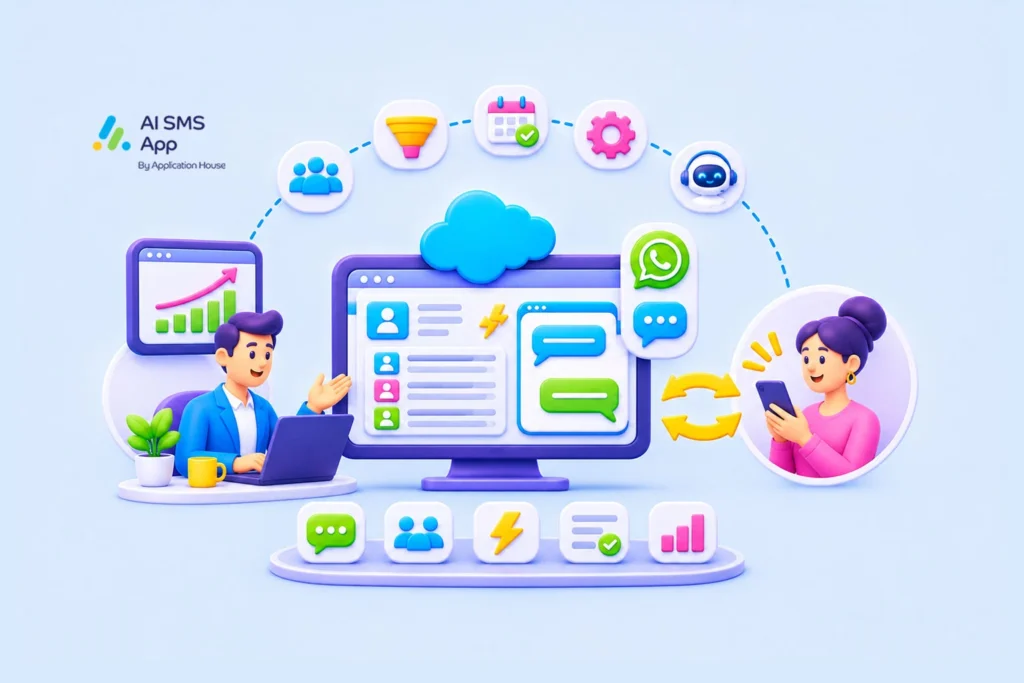
A SMS CRM, or CRM software with texting, allows you to send and receive SMS or WhatsApp messages directly through your CRM without needed a separate app.
It allows sales reps to communicate via text with prospects, leads and customers using the records already available in their CRM.
A CRM text messaging solution can support both one-to-one conversations and automated messaging.
SMS CRM capabilities:
- Send and receive SMS or WhatsApp messages from CRM records
- Manage two-way conversations
- Personalise messages using CRM data
- Automate messages based on CRM activity
- Keep message history associated with CRM records
For sales teams, CRM software with texting gives a way to combine customer relationship management with a direct, conversational method of communication.
Why Do Sales Teams Need CRM With Texting?
Sales teams likely need to communicate with prospects at several stages of your sales process. Email and phone calls will always be important methods of communication, but text messaging offers another, more direct and convenient way to reach out.
CRM text messaging can help sales teams with…
-
Faster lead engagements
Get back to enquiries quickly. In some industries, the speed of the sales teams response can influence if that lead progresses.
-
More convenient communication
Give prospects another way to get in touch. Prospects may have a busy inbox where emails can get lost, or not be available for a phone call. Sending a text is a good solution for a quick question, appointment confirmation, or brief update.
-
Better visibility
All communications stored in Salesforce CRM records. If sales reps communicate using separate messaging platforms, valuable communication history is not stored in your CRM. If sent from your CRM, messages can be associated with the relevant lead, contact, opportunity or other record, so all sales reps and managers can see a clear picture of sales activity.
-
Improved productivity
One sales solution. Switching between CRM and separate messaging apps can interrupt sales workflows and become a hindrance to productivity. A Salesforce CRM texting solution makes it easier to manage follow ups and use automation to trigger timely messages.
-
Personalised outreach
Using CRM data to personalise messages. Using Salesforce data, sales reps can send relevant messages referencing enquiries, meetings, or products and services they know they prospect is interested in.
How To Add Text Messaging To Salesforce CRM
Unless you use the Marketing Cloud solution, you’ll need a native add-on app to include CRM text messaging in Salesforce.
Opting for a Salesforce-native messaging app lets your sales reps send and receive SMS and WhatsApp messages directly within Salesforce.
The benefits of this include:
- Keep communication connected to Salesforce records
- Get access to messaging directly in Salesforce without moving between solutions
- Use salesforce automation and workflows you already use
What To Look For In The Best CRM With Text Messaging
If you’re already a Salesforce user and want to add texting to your environment, here are some things to consider when choosing a solution:
Native Salesforce integration
- Is all messaging kept within your existing CRM environment?
Two-way SMS
- Does it allow sales reps to receive responses as well as send messages?
- Are inbound messages handled in a way that suits you?
WhatsApp messaging
- Can you support customers who prefer WhatsApp to SMS?
Conversation history
- Is conversation history stored to the appropriate record, so sales teams have visibility of previous conversations?
- Can you see if a message is sent, delivered or read?
Salesforce automation
- Can you automate messages based on timing, behaviour, or events?
- Can you use your Agentforce Agent to send messages?
Reporting
- Can you measure messaging activity success?
Consent management
- Is compliance and consent easy to manage?
- Can records opt out based on message type?
Use Cases: How a Salesforce-native App Supports Sales Teams
SMS and WhatsApp messaging can support a variety of sales activities from initial interaction to nurturing and ongoing customer communication.
Some practical use cases for sales teams:
Lead/opportunity follow up
When a lead record is created in Salesforce, a sales rep can send a text to acknowledge the enquiry and start a conversation. This can be done manually or automatically. It’s particularly useful for inbound leads that have requested further information. Similarly, text is a simple way to maintain contact with a lead that has progressed to an opportunity.
Sales appointment reminders
If a sales rep has a meeting or demo booked, SMS can be used to remind prospects about the appointment. This can be triggered automatically using Salesforce Flow automation, to reduce manual effort.
Automating sales nurturing
Salesforce automation can be used to send relevant messages to prospects at defined stages of your sales process. For example, a lead that has enquired but not yet made a purchase can receive a follow up after a set period. This is helpful for sales reps to maintain communication without manually checking in on each lead.
Relationship management
Texting is a great communication method for existing customers. Sales reps can use SMS or WhatsApp to give quick updates, ask for meetings, and generally keep in touch.
Examples:
- A new lead record triggers a personalised SMS message
- Salesforce Flow sends a follow up message after a demo or appointment
- Sales reps can send texts or WhatsApp’s directly from the lead, contact, or any record
- Lead or opportunity stage changes can trigger messages.
Add Text Messaging To Your Salesforce CRM Today
If you are already using Salesforce, adding text messaging to your CRM extends its capabilities with a method of direct, conversational communication.
With a native app such as AI SMS App, your sales teams can send and receive messages from your CRM, keep all communication connected to the relevant records and use automation to support sales activities.
Book a demo to find out more about how SMS and WhatsApp messaging can support your sales team in Salesforce.