SMS and Email Marketing: How to Use Both in Salesforce
SMS and email marketing are both valuable ways to connect with prospects and customers. Used together, they can help you create effective marketing campaigns.
For businesses using Salesforce, combining email and SMS marketing also creates an opportunity to make better use of CRM data. Your marketing team can deliver relevant communications without managing each channel in isolation.
In this blog, we look at the differences between SMS and email marketing, how to use both channels together, and how Salesforce can support personalised, automated campaigns.
What is SMS and Email Marketing?
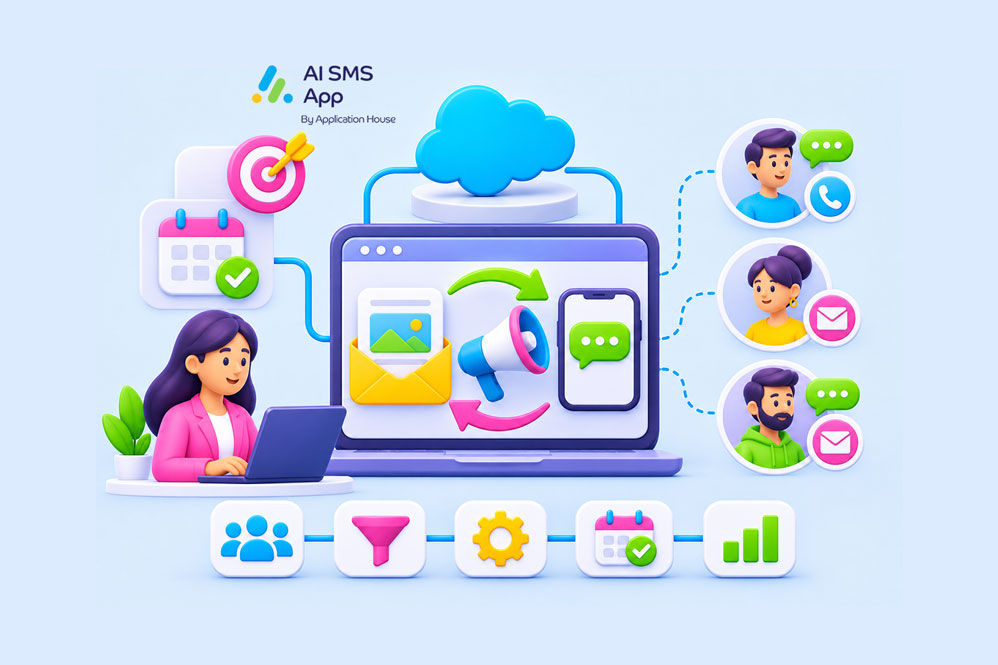
SMS and email marketing involves using text messages and emails together as complementary channels in your marketing strategy. Both channels support different stages of the customer journey, from initial awareness through to conversion and retention.
Email provides space for detailed content and ongoing nurturing; SMS offers a direct way to send short timely messages that encourage action.
SMS vs Email Marketing
SMS and email have different strengths, so understanding when to use each is an important part of planning your marketing campaigns.
|
|
SMS |
|
|---|---|---|
| Content length | Detailed messages with links, images and style formatting | Short messages with links |
| Content type | Educational content, product information, transactional receipts | Reminders, alerts, shipping notifications, time-sensitive offers |
| Engagement | Encourage content exploration and click-through | Encourage quick action or response |
| Timing | Ongoing communication | Timely or immediate communication |
| Best for | When a message needs more explanation and supporting content | When a message communicates something quickly and directly |
| Use cases | New product launches, newsletters, detailed promos, case studies | Reminders, follow-ups, time-sensitive promos, actionable requests |
When to choose email marketing
Email is the best channel choice when your message requires detailed or supporting information.
For example, you could use email to:
- Introduce new products
- Send a newsletter, article, or educational content
- Share case studies, guides or customer success stories
- Nurture leads over an extended period
Email gives you flexibility in design and how your brand is presented, allows you to send multiple links and detailed calls to action. It gives your prospects time to consider an offer proposed to them.
When to choose SMS marketing
SMS is most useful when a message is short and requires a quick call to action.
For example, you could use text or WhatsApp messages to:
- Invite prospects to events, demos, or meetings.
- Send reminders about events, appointments, or offers
- Follow up on email campaigns
- Share time-sensitive promotions
SMS is a convenient way for the recipient to respond quickly, helping to bring attention to an important communication. It’s a good idea to only use text messaging when immediacy genuinely adds value.
The key is to choose the channel based on the message – email provides information, SMS encourages the next step.
How To Combine SMS and Email marketing in Salesforce
Combining email and SMS marketing in Salesforce allows you to make campaigns more targeted, relevant and responsive.
Salesforce holds your valuable customer information, such as contact details, lead status, purchase history and previous interactions. You can use this data to coordinate marketing activity across both channels and make sure messages are relevant to each recipient.
Here are some ways to use SMS and email together:
- Use email to introduce a campaign and then SMS to follow up
- Use SMS to alert the arrival of an important email
- Use SMS to confirm a purchase or appointment, then email for further product or service info
- Use email to send a promotional offer, and SMS as a reminder before the deal ends
How To Create an Email and SMS Drip Campaign in Salesforce
An SMS drip campaign is a series of messages sent to a contact, usually triggered by an action or event.
When combined with email marketing, a drip campaign becomes a series of coordinated messages that alternate between channels depending on the purpose of each message.
Campaigns can be set to adjust based on customer behaviour – for example if they respond, or make a purchase, the marketing stops or changes.
For Salesforce users, this can be managed using Salesforce Flow, with CRM data determining which contacts receive which messages.
Example of a marketing drip campaign: Lead Nurturing
Using the example of a business that wants to encourage new leads to book a product or service demonstration, an email and SMS drip campaign could follow this sequence:
- Day 1 – Email – Introduce the product or service, explaining the key benefits with a link to learn more.
- Day 3 – SMS – A short follow up inviting the prospect to book a call to chat
- Day 5 – Email – Share a case study showing how the product or service has benefitted another customer, to build confidence
- Day 7 – SMS – Send a final follow up inviting the prospect to book a demo
This type of campaign can be built using Salesforce lead records, triggering messages based on the lead status or campaign activity – if a prospect books a demo, then the rest of the sequence should be stopped. If the prospect doesn’t engage at all, the campaign could continue with a different angle or follow up.
Automating a campaign with Salesforce Flow
Using Salesforce flow is one way to automate a drip campaign. Communications can be triggered when set criteria are met.
A Flow can:
- Identify a lead who meets the criteria for a campaign
- Send the introductory email
- Wait for a defined period until the next communication is sent
- Send the SMS follow up, if the lead remains eligible
- Check engagement and lead status
- Continue with the Flow or exit the campaign.
To send an SMS via Salesforce, you need the enterprise level Marketing Cloud, or a Salesforce native App, like AI SMS App. The advantage of using a Salesforce native app is that SMS can be incorporated into Salesforce workflows, like the examples above, so messages are managed alongside existing CRM processes and not in a separate application.
Examples of Using SMS and Email Marketing Together
How you combine email and SMS marketing will depend on your industry, campaign objectives and customer journey.
Here are some practical examples of how email and SMS marketing can be combined to improve the way you communicate with prospects and customers.
- Webinar or event registrations
Email can be used to advertise and provide details; SMS can support by sending reminders. - Product launches promos
Email can introduce and showcase the product; SMS can give a limited time offer, or promo reminder. - Lead nurturing
Email can be used to send educational content like case studies or product information, SMS can be used to send follow ups - Customer retention
Email can provide relevant updates or account information; SMS can send personalised quick communications or timely reminders. - Appointment bookings
Email can provide information such as what to expect and any preparation required; SMS can send a quick reminder ahead of the appointment.
Best Practices For Email and SMS Marketing in Salesforce
Segment audiences
Use Salesforce data to identify the contacts relevant to each campaign, such as lead status, customer type, purchase history, interests, or previous interactions. Segmentation ensures only relevant marketing messages are sent.
Use SMS for immediacy and email for detail
Use each channel based on its strengths and try to avoid sending the same message through both SMS and email, unless you have a clear reason to do so.
Avoid excessive communications
Combining SMS and email marketing needs consideration of how often a recipient is contacted. A campaign that sends messages in quick succession can become overwhelming and lead to opt-outs. Make sure you plan frequency across both channels, not each independently.
Personalisation
Personalising messages with a customer’s name is a good start, but personalisation can be taken much further – messages based on behaviour are much more relevant to the recipient.
Respect opt-outs and channel specific preferences
All marketing must adhere to the applicable consent regulations. Consent records should be maintained for each channel – some contacts may be happy to receive emails, but not texts, or vice versa.
SMS and email have difference regulatory requirements which vary depending on your location. In the US, you need to consider TCPA requirements and applicable email marketing rules and in the UK, you need to follow UK GDPR and PECR rules.
Monitor campaign performance
Timing, frequency, content all needs to be tested and monitored to see how well they achieve campaign goals. Monitor the whole campaign, rather than each channel in isolation. For example, the intro email could have played a part in the SMS leading to the conversion.
How a Salesforce SMS App Can Support Email Marketing
If your business already uses Salesforce for marketing, adding SMS gives you another way to reach prospects and customers within your existing CRM environment.
A Salesforce-native SMS and WhatsApp app lets you send text messages directly through Salesforce, without needing Marketing Cloud, using the customer data already held, and in the workflows already in use.
An add on from AppExchange, such as AI SMS App, can help you to:
- Personalise messages with CRM data
- Send SMS directly through Salesforce
- Automate SMS follow ups and coordinate email and SMS with Salesforce Flow
- Easily manage customer communications by keeping messaging activity within the Salesforce environment.
You don’t need to treat SMS as a separate marketing channel outside of Salesforce.
Build a Connected Marketing Strategy With SMS and Email
SMS and email marketing are most effective when they work together – businesses report up to 30% higher conversion rates using integrated campaigns compared to email-only.
Both channels offer different ways to engage prospects and customers. For Salesforce users, combining SMS and email gives you an opportunity to make better use of your CRM data, create more relevant marketing and maximise your campaigns.
Adding SMS to your Salesforce marketing strategy doesn’t mean replacing email, it just extends your reach.
With AI SMS App, you can bring SMS and WhatsApp messaging into your existing workflows and make it an integrated part of your marketing strategy.